


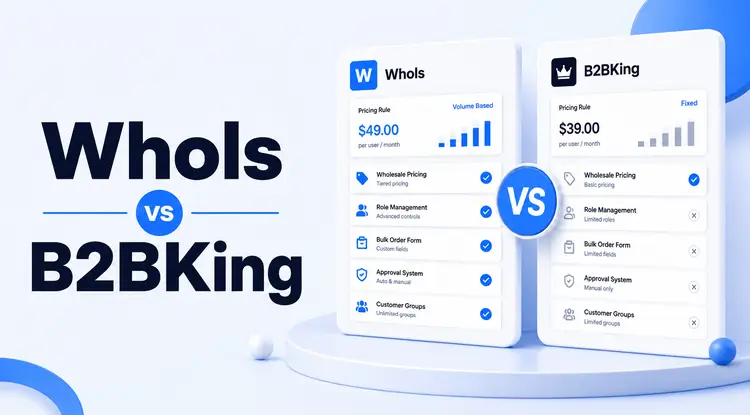
Choosing between Whols and B2BKing is one of the most common decisions WooCommerce store owners face when opening up wholesale or B2B selling.
Both plugins promise to turn a standard store into a business-friendly platform, but they take different paths to get there: different pricing structures, different free-version depth, and different levels of feature complexity.
This guide breaks down the verified differences so you can pick the plugin that fits your actual store, not just the one with the longer feature list.
Quick Answer
Whols vs B2BKing comes down to setup simplicity versus configurable depth. Whols has a lower entry price and a free WordPress.org version for testing core wholesale pricing. B2BKing also has a free Core version, but its Pro tiers unlock subaccounts, quote negotiation with purchasable offers, and VAT/VIES validation, features better suited to larger, more complex B2B operations.
Comparison methodology: We reviewed each plugin's official pricing page, WordPress.org listing, and feature documentation on July 21, 2026. We compared pricing, free-version availability, role-based pricing, registration, bulk ordering, quote workflows, company accounts, VAT tools, and multisite support. When a feature wasn't found in official documentation, it's marked "not documented" rather than assumed unavailable. Table of Contents
At-a-Glance Verdict
| Whols | B2BKing | |
| Free version | Yes, on WordPress.org | Yes, B2BKing Core on WordPress.org |
| Entry price (paid) | $79/year, 1 site | $199 first year, 1 site (Startup, promotional) |
| Best fit | Straightforward wholesale pricing setups | Complex B2B operations needing subaccounts, negotiation, VAT tools |
| Lifetime option | Yes, from $199 | Yes, across all three tiers |
What Is Whols?
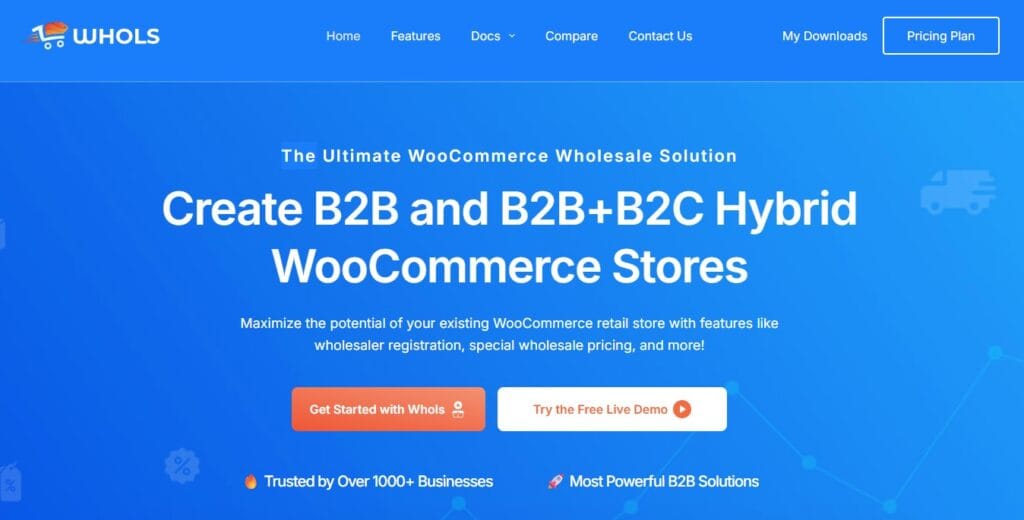
Whols is a WooCommerce plugin built to turn a standard store into a B2B or hybrid B2B+B2C store. It focuses on wholesale pricing tiers, customer group management, registration approval, and bulk discounts. A free version is available on WordPress.org for testing core functionality before upgrading.
The plugin covers the basics most wholesale sellers actually need: role-based pricing, minimum order quantities, bulk order forms, and invoice payments. It also has a free version on WordPress.org, so you can test core functionality before committing to a paid plan.
What Is B2BKing?
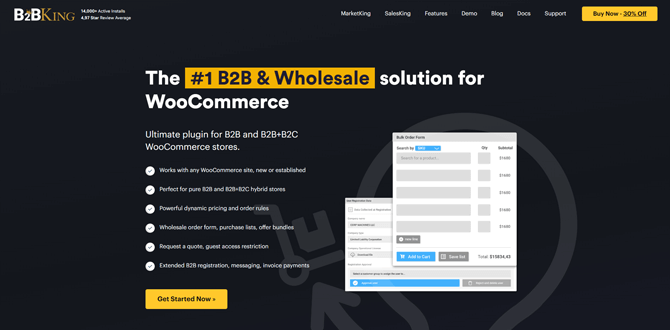
B2BKing describes itself as “the complete solution for running a Wholesale, B2B or B2B+B2C hybrid store with WooCommerce.” B2BKing’s website reports a 4.98/5 review average across 100+ reviews and says it powers more than 15,000 active stores.
Its free WordPress.org plugin (B2BKing Core) shows a review link with predominantly five-star reviews on its current listing page — note that the 4.98/5 figure is B2BKing’s own self-reported average, distinct from the review count shown on the WordPress.org plugin page itself.
B2BKing has a free Core version on WordPress.org covering wholesale prices, customer groups, payment/shipping controls, dynamic discounts, a built-in CRM hub, and reporting.
Many advanced features, including business registration with custom fields, subaccounts, tiered pricing tables, quote negotiation, VAT/VIES validation, and CSV price import/export. require the Pro version.
Whols vs B2BKing: Feature Comparison
Because feature depth varies by plan, here’s a breakdown that separates what’s free from what requires an upgrade.
| Feature | Whols Free/Paid | B2BKing Core/Pro | Notes |
| Role-based/tiered pricing | Available | Wholesale prices free; tiered pricing tables are Pro | Both cover the basics free |
| Registration & approval | Available | Basic approval notifications free; extended registration with custom fields is Pro | |
| Bulk order form | Available | Pro | |
| Minimum/maximum order rules | Available | Pro | |
| Quote requests | Available | Pro, includes conversations and negotiated offers | B2BKing’s quote system includes purchasable offers and branded PDF offers; not documented as an equivalent workflow for Whols |
| Subaccounts/employee accounts | Not found in official feature documentation | Pro | |
| EU VAT/VIES validation | Not found in official feature documentation | Pro, optional | |
| CSV import/export pricing | Not found in official feature documentation | Pro | |
| Multisite B2B+B2C support | Not found in official feature documentation | Both Core and Pro support hybrid B2B+B2C mode | |
| Invoice payment gateway | Available | Pro |
Whols vs B2BKing: Pricing Breakdown
Pricing is often the deciding factor once feature parity looks close on paper. Here’s what each plugin actually costs.
Whols Pricing
Whols offers annual and lifetime licensing:
- Annual: $79 (1 site), $149 (5 sites), $249 (unlimited sites)
- Lifetime: $199 (1 site), $299 (5 sites), $499 (unlimited sites)
All tiers include the same core feature set — B2B/B2C pricing, registration and approval, customer group management, and volume discounts. The main difference between tiers is site count and whether you pay annually or once for lifetime access.
B2BKing Pricing
B2BKing’s current promotional pricing shows three annual tiers, each also available as a lifetime purchase:
| Plan | Sites | Annual (promotional) | Annual (regular) | Lifetime (promotional) |
| Startup | 1 | $199 | $299.50 | $199 |
| Best Value / Pro | 3 | $299 | $449.50 | $299 |
| Developer | Unlimited | $449 | $599.50 | $449 |
Note: third-party sources report slightly different promotional figures, which reflects how B2BKing’s discount percentages fluctuate. Always confirm the live checkout price before publishing exact figures.
Price Comparison at a Glance
| Whols | B2BKing | |
| Entry price | $79/year (1 site) | $179 (one-time) |
| Free version | Yes | Limited/basic only |
| Lifetime option | Yes, from $199 | Yes (one-time by default) |
| Best for budget | Small stores, 1-5 sites | Stores wanting full features upfront |
Whols vs B2BKing: Pros and Cons
Whols Pros and Cons
Pros:
- Lower entry price with a genuine free version to test first.
- Faster setup for common wholesale needs like tiered pricing and approval workflows.
- Wallet payment support, which B2BKing doesn’t highlight.
- Simpler admin interface, less overwhelming for first-time wholesale sellers
Cons:
- Subaccounts, VAT/VIES validation, and CSV pricing tools are not documented in official Whols materials.
- Fewer independent third-party review data points compared to B2BKing’s WordPress.org track record.
B2BKing Pros and Cons
Pros:
- Free Core version plus a Pro tier with 137+ documented features
- Reports a 4.98/5 self-reported review average and 15,000+ active stores on its own site
- Broad theme compatibility and documented integrations (Dokan, WCFM, SalesKing, MarketKing)
Cons:
- Steeper learning curve given the sheer number of features to configure
- No free version for full testing before purchase
- Can feel like overkill for small stores that just need basic wholesale pricing
Which One Should You Choose?
Match the plugin to your actual wholesale complexity, not the feature count alone.
Choose Whols if:
- You’re setting up wholesale pricing for the first time
- You run 1-5 websites and want predictable, lower pricing
- You want to test with a free version before paying
- Your wholesale needs are pricing tiers, approval, and bulk ordering — nothing more exotic
Choose B2BKing if:
- You sell internationally and need VAT/VIES handling
- Your B2B customers need multiple buyer logins per company account
- You want negotiation and quote workflows built in
- You’re comfortable with a longer setup process in exchange for more control
How to Set Up Wholesale Pricing After Choosing a Plugin
Regardless of which plugin you pick, the setup logic is similar:
- Install the plugin and create a dedicated wholesale customer role.
- Set up a registration form so wholesale buyers can apply for access.
- Approve or auto-assign the wholesale role to qualifying applicants.
- Configure tiered or role-based pricing per category or product.
- Set minimum order quantities if you require bulk purchasing.
- Test the checkout flow with a wholesale test account before going live.
If you want a step-by-step walkthrough specific to Whols, the wholesale registration form guide covers the shortcode and approval setup in detail.
Frequently Asked Questions
Is Whols cheaper than B2BKing?
Yes, at the entry level. Whols starts at $79/year for one site, while B2BKing is a one-time $179 purchase with no published lower-tier pricing.
Does Whols have a free version?
Yes. Whols has a free plugin listing on WordPress.org so you can test core wholesale pricing features before upgrading.
Does B2BKing have a free version?
B2BKing doesn’t offer a full free version on its own site, though a basic listing exists on WordPress.org for limited testing.
Which plugin is better for a hybrid B2B+B2C store?
Both support hybrid stores. B2BKing offers more built-in controls for separating B2B and B2C experiences, including multisite support, while Whols handles hybrid pricing and access control at a simpler level.
Can I switch from Whols to B2BKing later, or vice versa?
Technically yes, but expect to reconfigure pricing rules, customer roles, and registration forms manually, since neither plugin offers a direct migration tool between competitors.
Do both plugins support quote requests?
Yes. Whols includes a request-a-quote feature for wholesale orders, and B2BKing offers a more advanced version with built-in negotiation and messaging.
Which plugin works better for small WooCommerce stores?
Whols is generally the better fit for small stores because of its lower price, free version, and simpler setup process for standard wholesale pricing needs.
Conclusion
Neither plugin is universally better. Your choice depends on the complexity of your wholesale operation.
Whols is likely to require fewer configuration decisions for stores with straightforward pricing and approval needs, backed by a lower published entry price.
B2BKing offers more documented depth in subaccounts, VAT handling, and quote negotiation, which matters more once your B2B operation grows past basic tiered pricing.
If your priority is getting wholesale pricing live quickly without a big learning curve, start with the Whols features page to see the full list of tools included, or try the free version to test tiered pricing on your own store.
For a broader look at other options in this category, the best WooCommerce B2B plugins roundup compares more alternatives beyond just these two.